
Open Settings Page
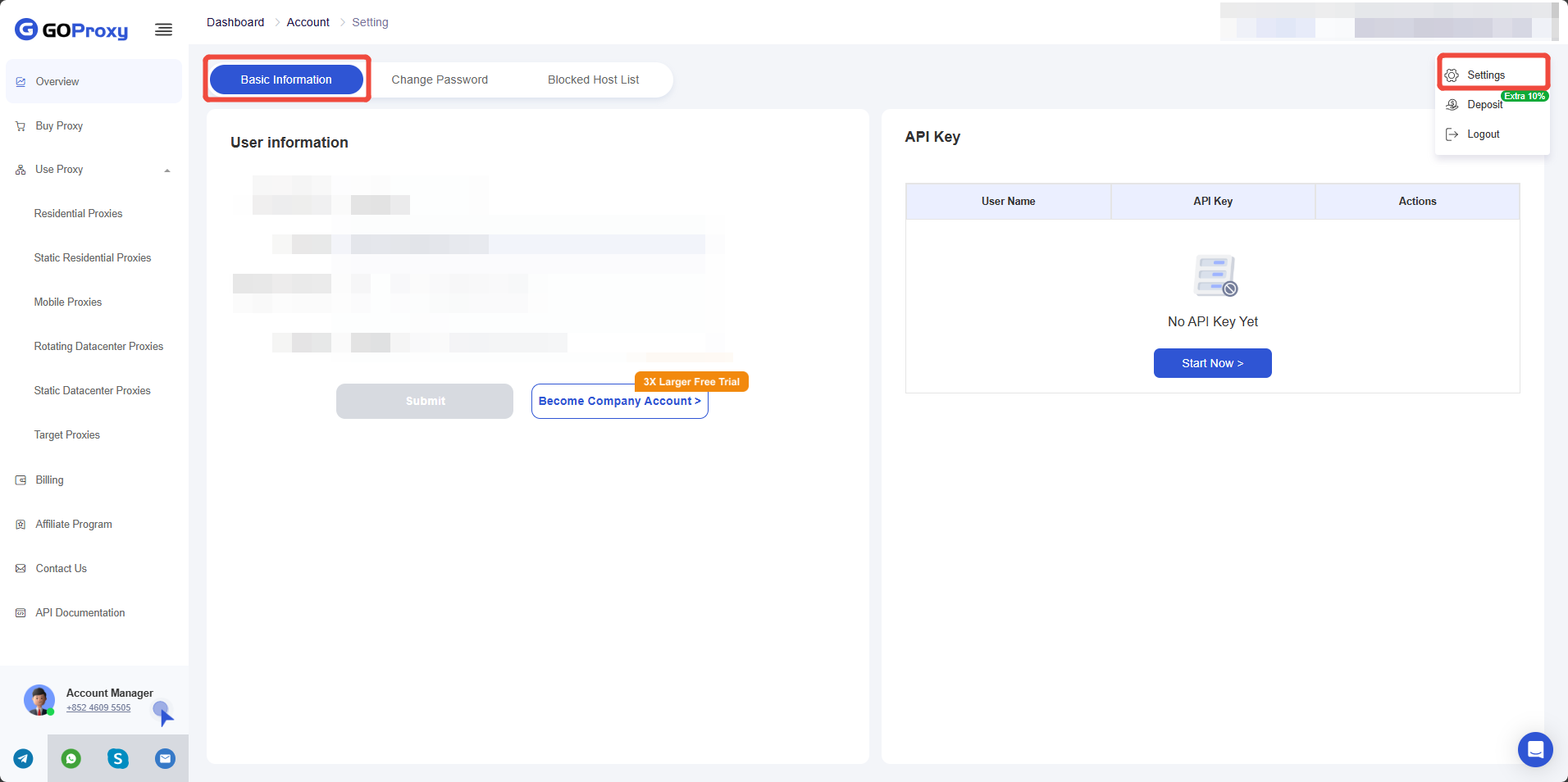
On the GoProxy dashboard, click your registered email in the upper right corner of the web page and click Settings to open the settings page. Under the Basic Information tab, find the API Key panel.
Open Settings Page
Open Settings Page
Add API Key
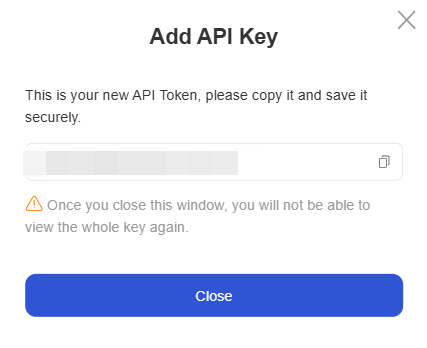
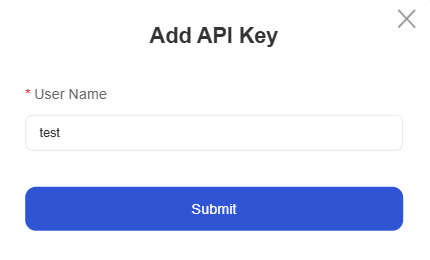
Click Start Now or Add Key to add an API key to your account. Enter the username as a label for the API Key.
Add API Key
Add API Key